Page text (OCR transcript)
CHARGING SYSTEM — Alternator

REMOVAL OF ALTERNATOR

1. DISCONNECT CABLE FROM NEGATIVE TERMINAL OF BATTERY

CAUTION: Work must be started after approx. 20 seconds or longer from the time the ignition switch is turned to the "LOCK" position and the negative (−) terminal cable is disconnected from the battery.

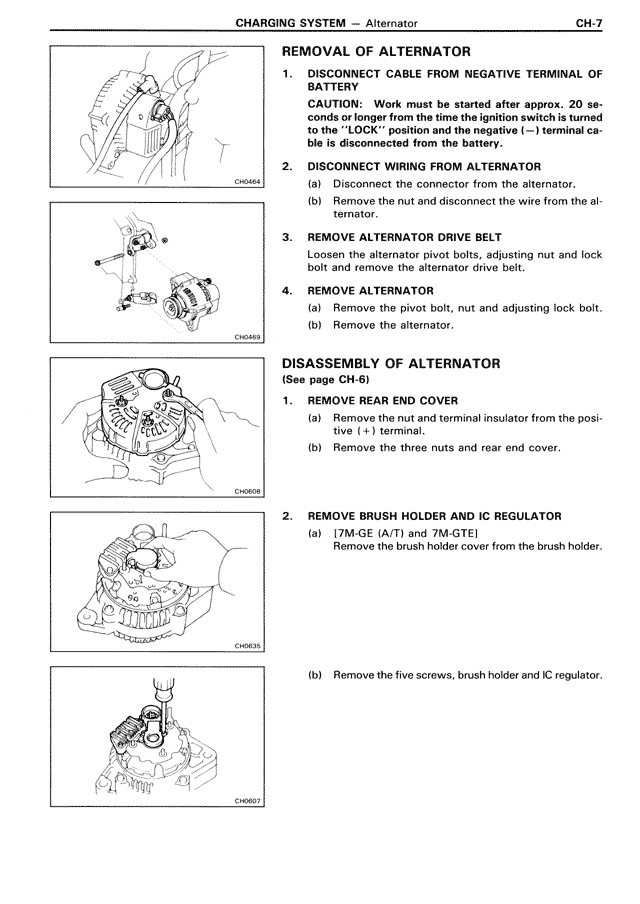
2. DISCONNECT WIRING FROM ALTERNATOR
(a) Disconnect the connector from the alternator.
(b) Remove the nut and disconnect the wire from the alternator.

3. REMOVE ALTERNATOR DRIVE BELT
Loosen the alternator pivot bolts, adjusting nut and lock bolt and remove the alternator drive belt.

4. REMOVE ALTERNATOR
(a) Remove the pivot bolt, nut and adjusting lock bolt.
(b) Remove the alternator.

DISASSEMBLY OF ALTERNATOR
(See page CH-6)

1. REMOVE REAR END COVER
(a) Remove the nut and terminal insulator from the positive (+) terminal.
(b) Remove the three nuts and rear end cover.

2. REMOVE BRUSH HOLDER AND IC REGULATOR
(a) (7M-GE (A/T) and 7M-GTE)
Remove the brush holder cover from the brush holder.

(b) Remove the five screws, brush holder and IC regulator.